Email addresses are automatically protected from spam harvesters on this site, so it is safe to display an email address in your contact details. In general this is the simplest and most reliable way of providing a contact email.
However some people prefer to use a contact form which does not reveal their personal email address at all. To make this easier we have set up the Very Simple Contact Form plugin, so all you need to do is insert a VS Contact Form block into your page.
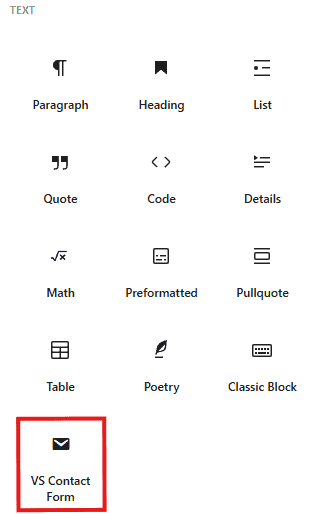
In the attributes for the block you need to set the destination email address:
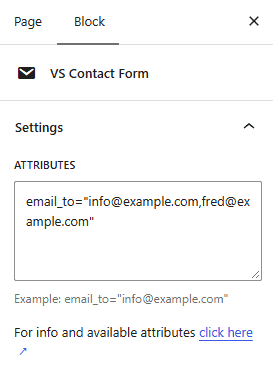
This email address will not be shown on the contact page.
You can send the same message to multiple email addresses simply by separating them with commas.
One thing you must be aware of. If you receive spam through the contact form, you must not flag it as spam to your email provider. Because the form is sent by your website rather than directly by a spammer, you’ll be marking your own website as the source of the spam!
« Using Tables Up Undoing Changes »